Set Up FamilyFence Kid for Android
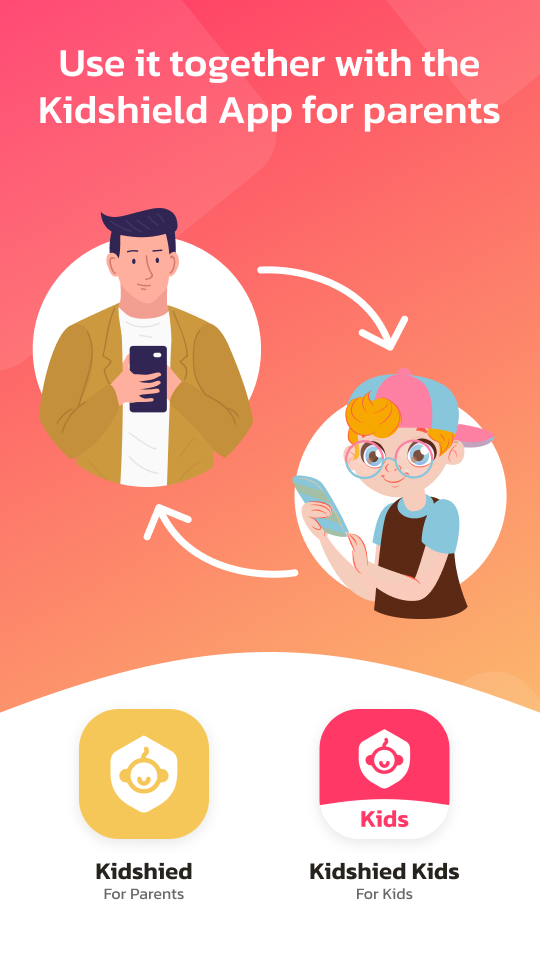
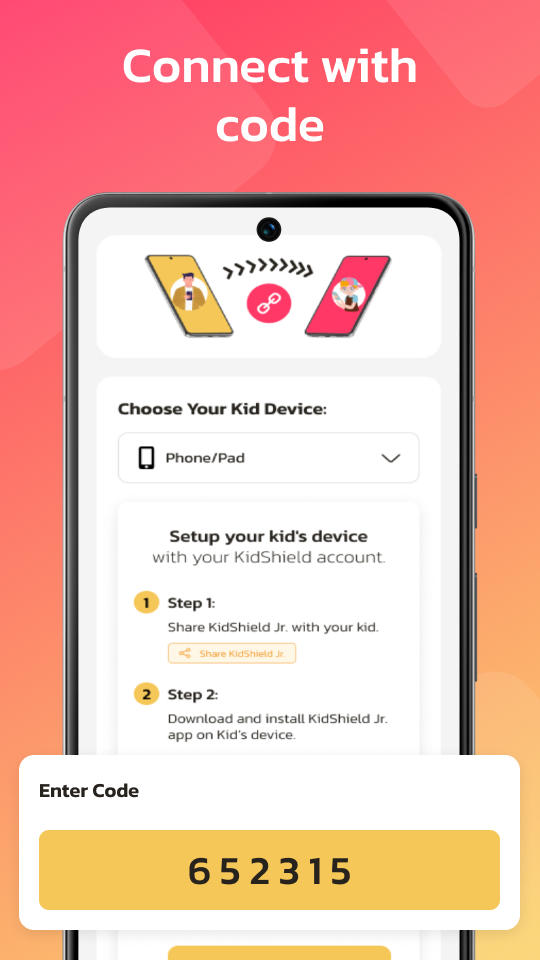
Install FamilyFence Kid on your child's supported Android device to connect it with your parent dashboard and start protecting them online.

FamilyFence Kid App
Android child devices
Included with subscription · Official Google Play setup · Verified Safe
⚠️ Only install FamilyFence Kid from its official Google Play listing. Never install from third-party sources.
Designed for Children. Engineered for Parent Control.
FamilyFence Kid remains installed as a visible child-device app and applies the rules configured by an authorized parent or legal guardian. Required permissions are shown and explained during setup.
Protection Dashboard
The child-device protection status, daily screen time, and blocked app count are shown in one clear home screen. Changes to supported controls may require parent authorization.
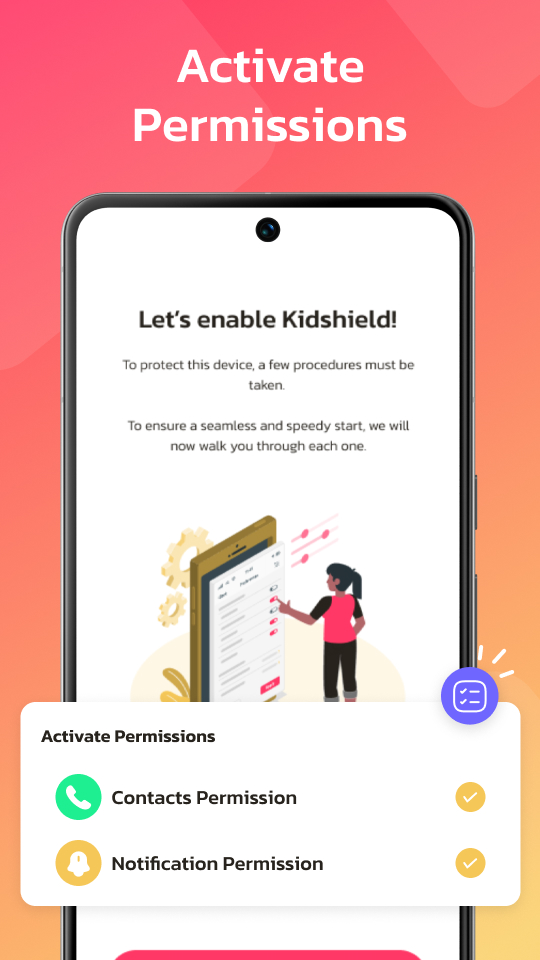
Choose a FamilyFence Plan and Start Protecting Today
Annual subscriptions support 1, 3, or 5 child devices with the same protection tools, parent dashboard, and setup support.
A Clear, Child-Friendly Experience on the Supervised Device
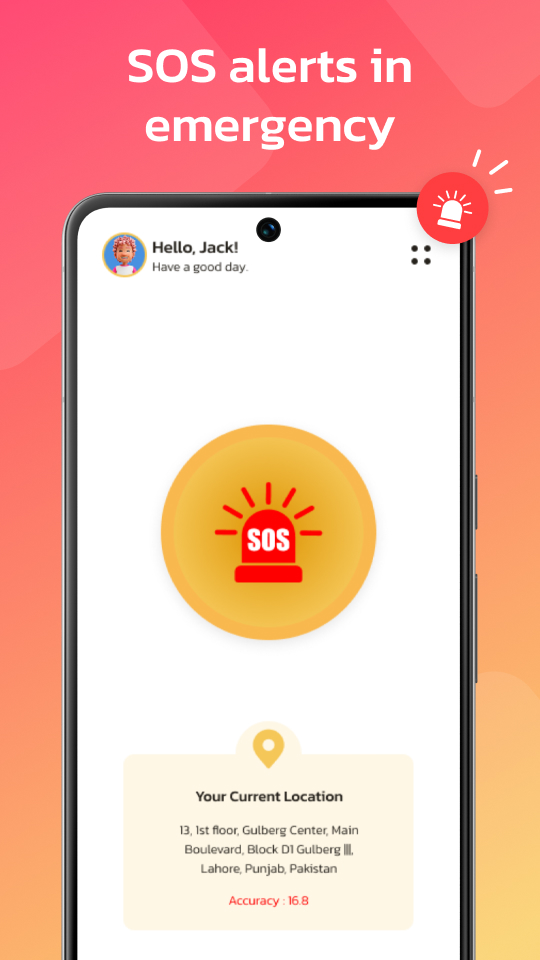
These are real FamilyFence Kid screens. The app remains visible, gives children clear feedback, and keeps important family safety actions accessible.
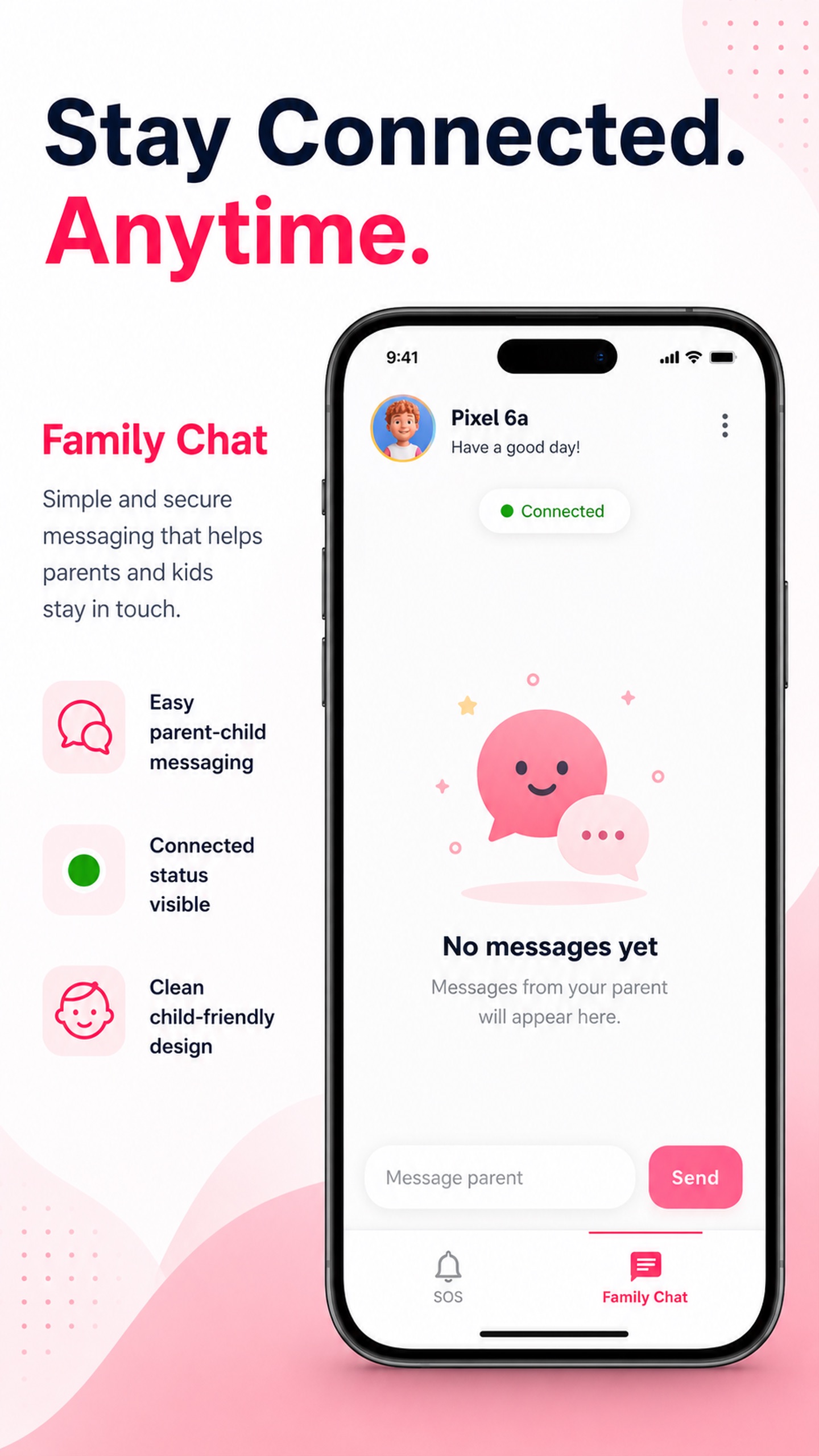
Stay connected through the family conversation space.
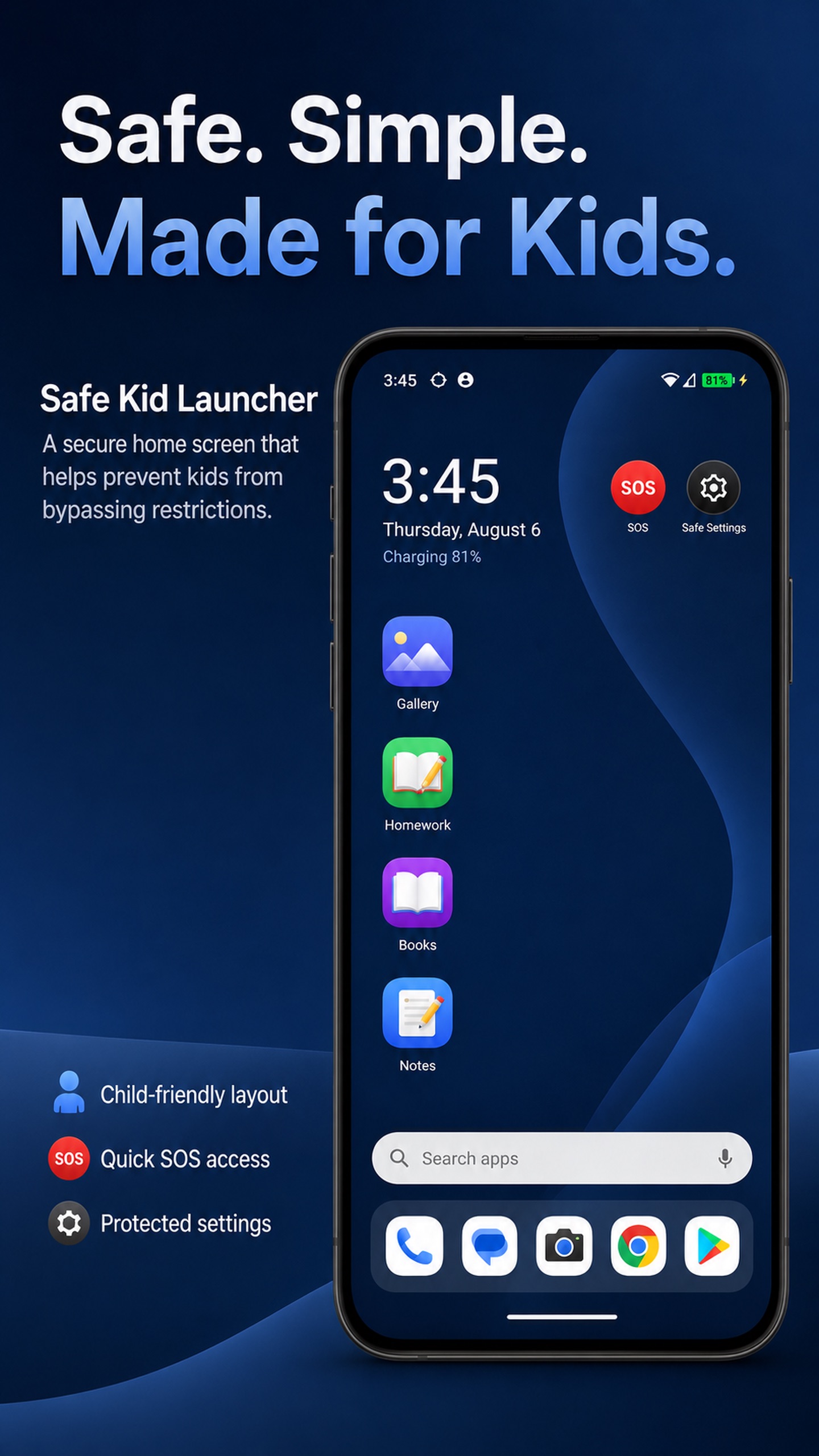
Keep approved apps and help controls easy to find.
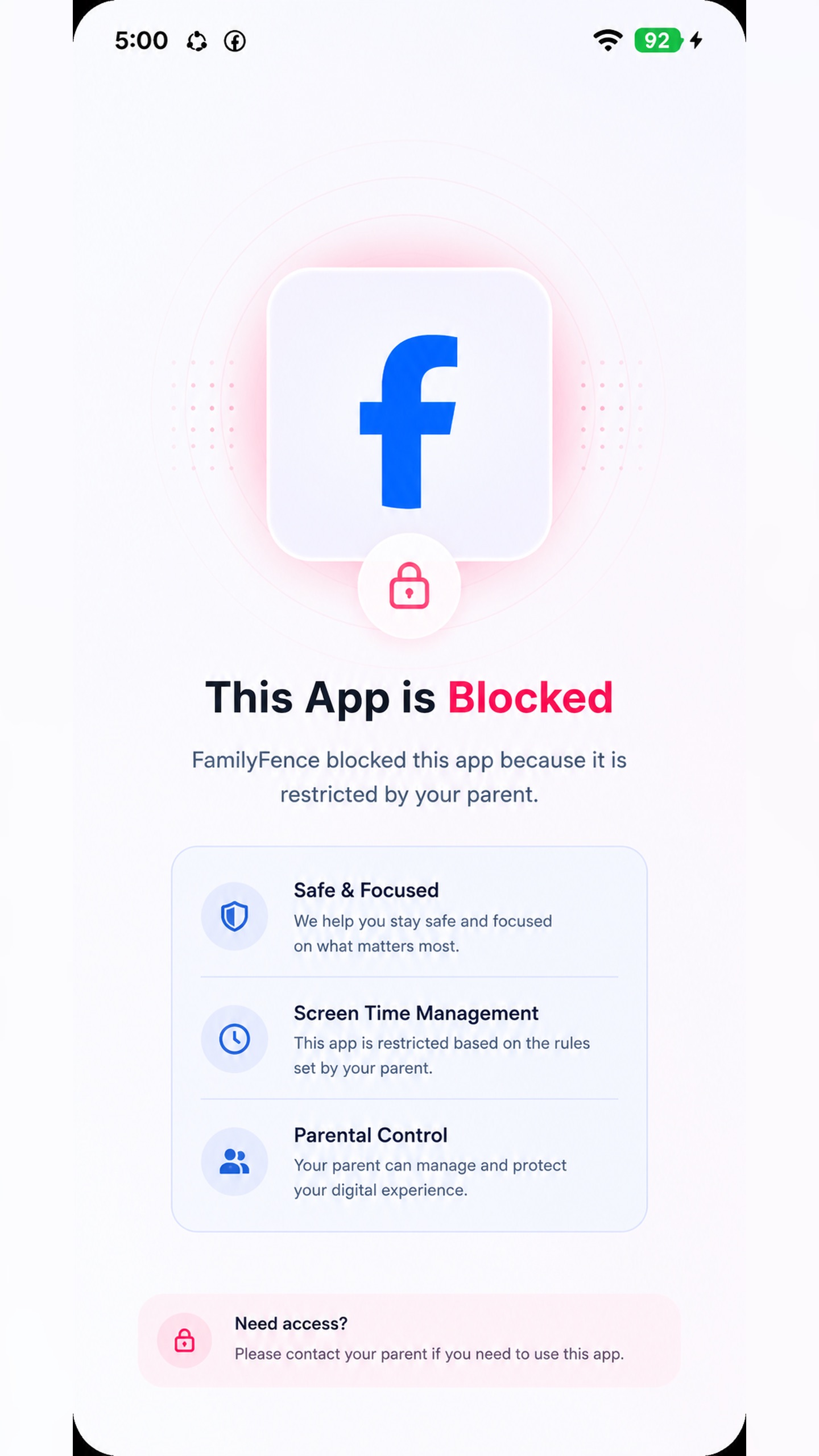
Explain restricted access in a calm, child-friendly way.
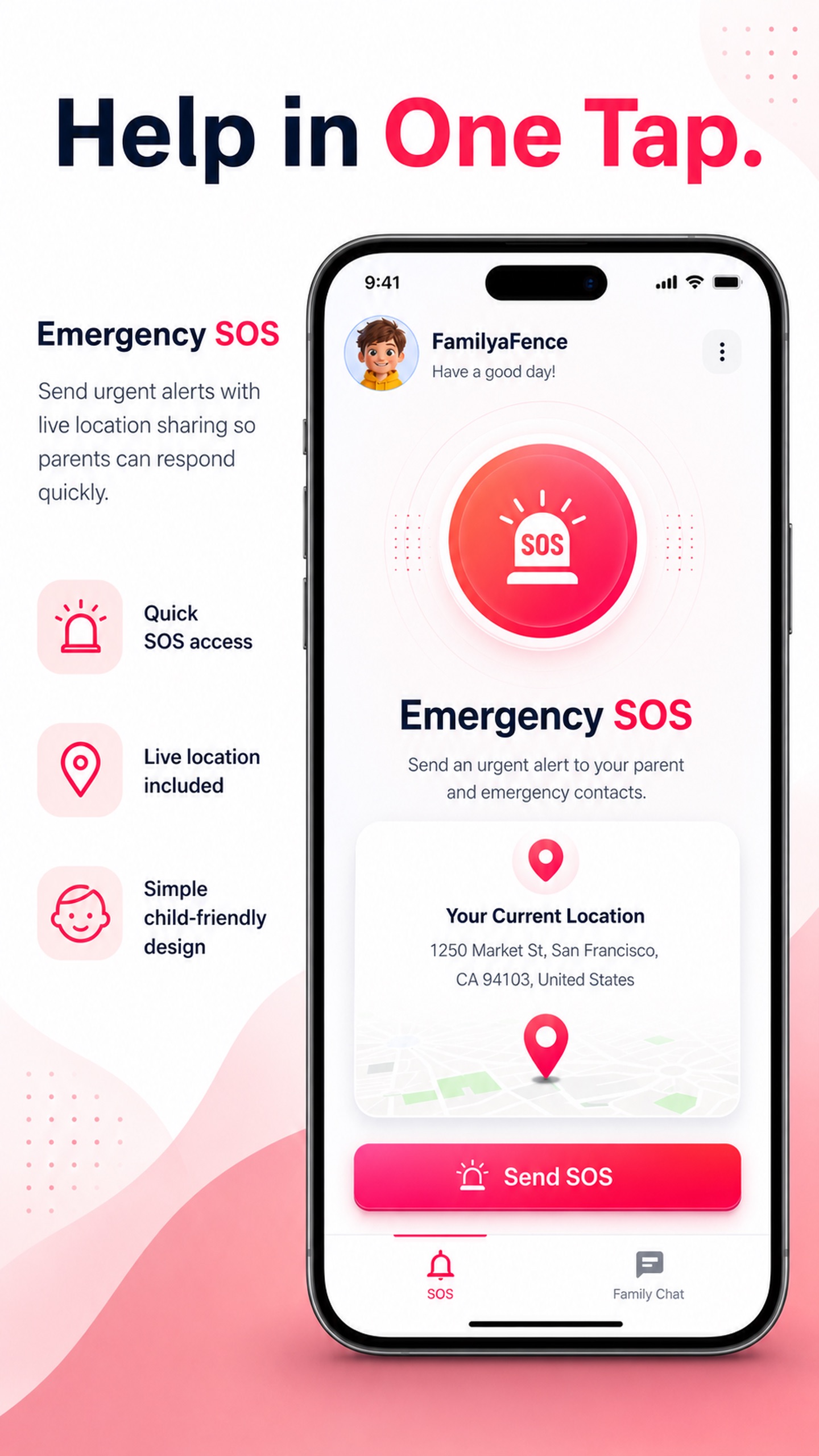
Let a child send a location-aware alert to their parent.